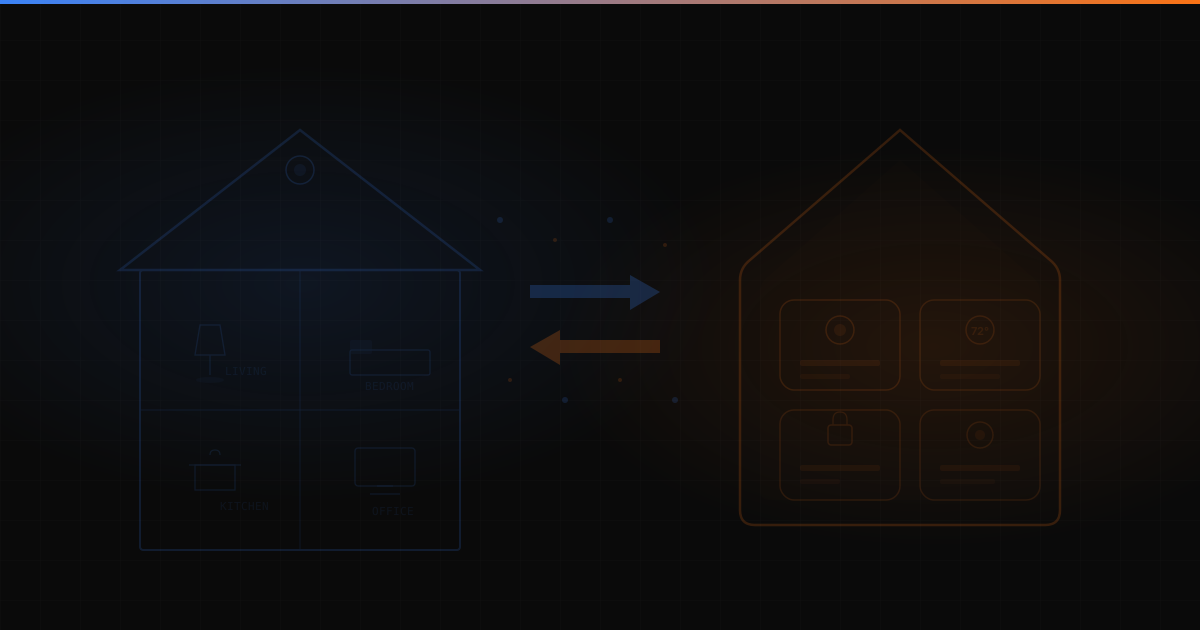
HomeKit Room Sync
Bridge Home Assistant rooms and devices to Apple HomeKit. Automatic room mapping and device synchronization.
Bridge Home Assistant rooms and devices to Apple HomeKit. Automatic room mapping and device synchronization.
HomeKit Room Sync
A bridge that synchronizes Home Assistant rooms and devices to Apple HomeKit, with automatic room mapping and bidirectional device state synchronization.
The Problem
Home Assistant is the backbone of my home automation setup, but most of my family uses Apple devices and prefers Siri and the Home app. The built-in HomeKit integration for Home Assistant works at the device level but doesn’t cleanly map HA’s room/area structure to HomeKit rooms.
This means devices show up in HomeKit without their room context, requiring manual reorganization every time something new is added.
The Solution
HomeKit Room Sync extends the standard HA-HomeKit bridge with:
- Automatic room mapping. HA areas map directly to HomeKit rooms without manual configuration
- Device filtering. Configurable rules to include/exclude devices from HomeKit sync
- State sync. Changes in either direction propagate reliably without loops or lag
- Incremental updates. New devices added to HA appear in HomeKit automatically in their correct room
How It Works
The integration hooks into Home Assistant’s event system, listening for device and area changes. When something changes on the HA side, it translates the update into HomeKit bridge protocol messages. The mapping layer handles the structural differences between HA’s entity model and HomeKit’s accessory model.
Written as a Home Assistant custom component, installed via HACS.
Result
Adding a new smart device to Home Assistant now means it appears in HomeKit in the right room within seconds, with no manual configuration required.